August 30th, 2026
🏷️ v1.9.8: Categorize When You're Ready
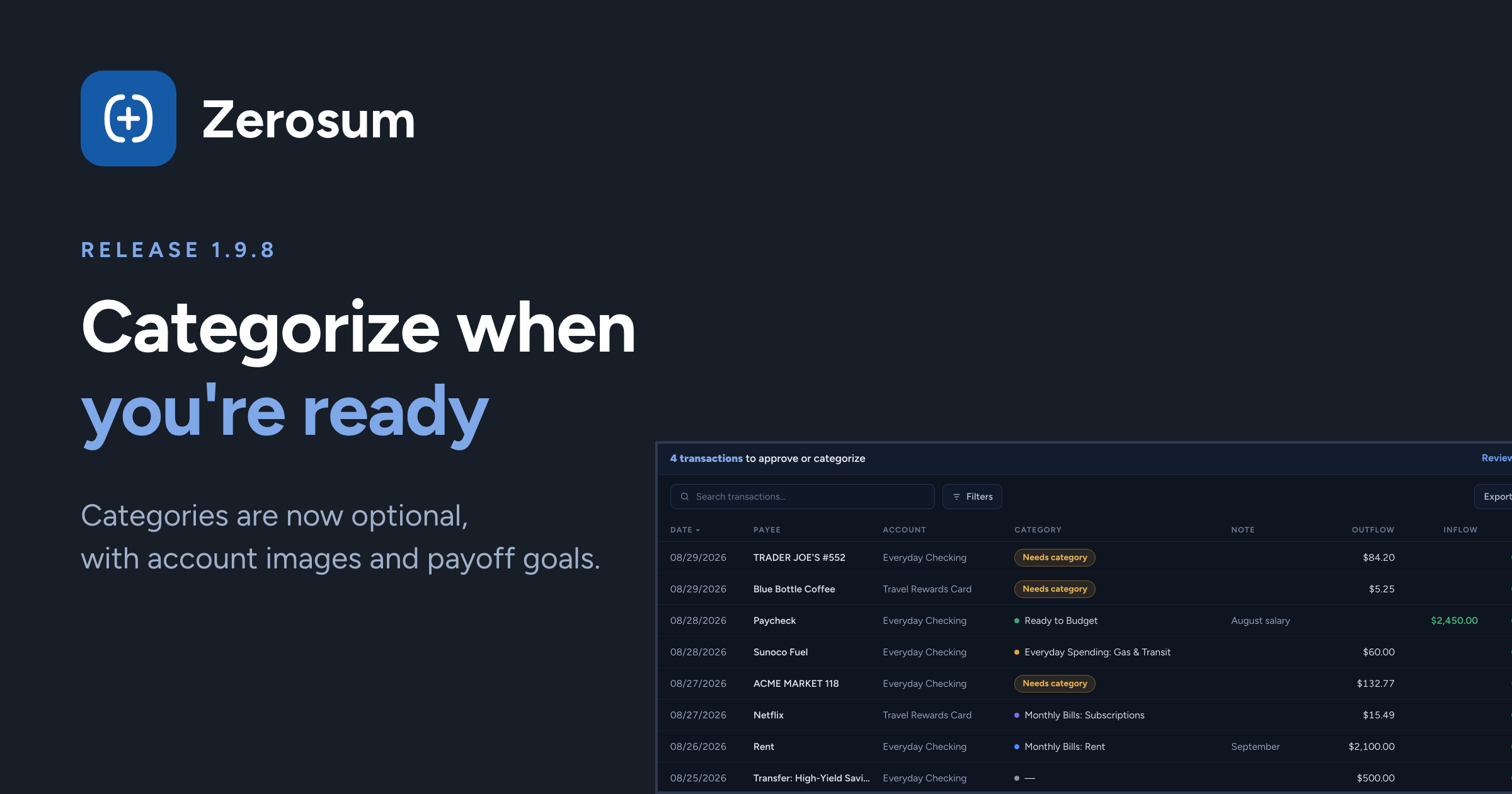
The headline this release: transactions no longer need a category. Enter, import, or approve anything and sort it out when you're ready — a new Needs Category row keeps your budget honest while you decide.
🏷️ Categorize when you're ready
New: categories are optional. Save a transaction without a category and it just works — imported transactions approve without one too. Anything uncategorized gathers in a Needs Category row at the top of your budget, and the review banner counts what's left to sort.
The math stays honest while you decide. Uncategorized card spending counts as card debt, and categorizing it later moves exactly the money that categorizing up front would have.
→ Budgets & Categories · Transactions
🖼️ Give accounts a face
New: custom account images. Upload a photo or logo (PNG, JPEG, WebP, or GIF) and it identifies the account everywhere — pickers, register, search, calendar, analytics, and mobile. Images are private to your budget, with photo metadata stripped.
💳 Pay off a card by a date
New: "pay off balance by date" goals. On a credit card payment category, pick a payoff month and Zerosum calculates how much to budget each month to get there, re-planning as the balance moves. (This one came straight from your feature requests. Thank you!)
✅ Register power tools
New: right-click a selection. Select a few rows, right-click, and every bulk action is there — Approve, Reject, Match, Categorize, Tag.
New: Enter Now in bulk. Select any mix of scheduled transactions and bank-pending previews and enter them all at once — one action, one undo.
Match always explains itself. Match now shows for every selected pair, and when it can't run, it tells you exactly why.
A clearer reconcile dialog. A statement-style card lines up your bank balance against what's cleared in Zerosum, ending in a green "Balances match" or a signed difference — and it's a proper bottom sheet on mobile.
→ Reviewing imported transactions · Reconciling accounts
🏦 Bank sync
New: disconnected accounts are visible and fixable. An account your provider stops returning now shows on the Bank Sync page with reconnect instructions, and the sidebar badge got tiers: red means act now, yellow means reconnect soon.
Transfers show both sides right away. When an import matches a transfer rule, the other account's side appears immediately — balances are right from the first moment, on both accounts.
📊 Analytics
Year over Year compares matching months. Mid-year, 2026 is compared against January–July of 2025 — not the full year — so the change percentage finally means something.
Cash Flow respects your account selection. Transfers between selected accounts stay internal; transfers leaving the selection count once. Balance adjustments now show up too, clearly labeled.
✨ Also in this release
PDF receipts on every platform. Desktop browsers now take PDF receipts too — page one, converted privately on your device.
Paste works in every amount field on mobile — every numpad and dialog — and the cursor finally stays put when you edit an amount mid-number.
For Next Month speaks one language. Every surface now says "set aside", and the receiving month explains where its extra Ready to Budget came from.
Thank you for being here. ❤️